

评论
.jpg "我无法安装最新版本(PyPI 中没有用于 OpenCV 的 ARM 包) #1063")
|
它是什么CPU架构? |
.jpg "我无法安装最新版本(PyPI 中没有用于 OpenCV 的 ARM 包) #1063")
|
Orange Pi 电脑臂 x32 uname -a
Linux OrangePI 3.4.39-01-lobo #1 SMP PREEMPT Sun Oct 25 14:46:41 CET 2015 armv7l armv7l armv7l GNU/Linux`
|
 sudo apt-get install python-opencv
Reading package lists... Done
Building dependency tree
Reading state information... Done
python-opencv is already the newest version (2.4.9.1+dfsg-1.5ubuntu1.1).
The following packages were automatically installed and are no longer required:
  libllvm3.8 libmircommon5
Use 'sudo apt autoremove' to remove them.
0 upgraded, 0 newly installed, 0 to remove and 0 not upgraded.
 sudo pip2 install opencv-python
The directory '/home/orangepi/.cache/pip/http' or its parent directory is not owned by the current user and the cache has been disabled. Please check the permissions and owner of that directory. If executing pip with sudo, you may want sudo's -H flag.
The directory '/home/orangepi/.cache/pip' or its parent directory is not owned by the current user and caching wheels has been disabled. check the permissions and owner of that directory. If executing pip with sudo, you may want sudo's -H flag.
Collecting opencv-python
  Could not find a version that satisfies the requirement opencv-python (from versions: )
No matching distribution found for opencv-python
You are using pip version 8.1.1, however version 18.1 is available.
You should consider upgrading via the 'pip install --upgrade pip' command.


orangepi@OrangePI:~/Downloads$ pip2 install opencv-python
Collecting opencv-python
  Could not find a version that satisfies the requirement opencv-python (from versions: )
No matching distribution found for opencv-python
You are using pip version 8.1.1, however version 18.1 is available.
You should consider upgrading via the 'pip install --upgrade pip' command.
|
|
来自 OpenCV 项目页面:https ://pypi.org/project/opencv-python/#description
|
|
我已经将新版本 bCNC==0.9.14.41 上传到 pypi,它应该与 opencv 版本 2.4+ 一起安装 |
|
否则你可以手动安装 opencv。 |
|
请让我知道结果如何…特别是什么解决了问题以及其他软件包是否安装良好。我会将其添加到 wiki。 |
|
我删除缓存并尝试也有错误 orangepi@OrangePI:~$ pip2 install --upgrade bCNC
Collecting bCNC
Downloading https://files.pythonhosted.org/packages/08/58/96d0d4781b863804a63cd1aca05a718c0245b15a8cf1e6a09d33b872c465/bCNC-0.9.14.41.tar.gz (1.1MB)
100% |████████████████████████████████| 1.1MB 147kB/s
Collecting pyserial<=3.0.1 (from bCNC)
Downloading https://files.pythonhosted.org/packages/42/68/41bab8a5e3e50705f25358f043181242fa197f313aa0476908d9852c8dc4/pyserial-3.0.1.tar.gz (134kB)
100% |████████████████████████████████| 143kB 513kB/s
Collecting numpy>=1.15.4 (from bCNC)
Downloading https://files.pythonhosted.org/packages/2d/80/1809de155bad674b494248bcfca0e49eb4c5d8bee58f26fe7a0dd45029e2/numpy-1.15.4.zip (4.5MB)
100% |████████████████████████████████| 4.5MB 51kB/s
Collecting opencv-python>=2.4 (from bCNC)
Could not find a version that satisfies the requirement opencv-python>=2.4 (from bCNC) (from versions: )
No matching distribution found for opencv-python>=2.4 (from bCNC)
You are using pip version 8.1.1, however version 18.1 is available.
You should consider upgrading via the 'pip install --upgrade pip' command.
第二次尝试 orangepi@OrangePI:~$ pip2 install https://www.piwheels.org/simple/opencv-python/opencv_python-3.4.3.18-cp35-cp35m-linux_armv7l.whl#sha256=201422601fc99c89556c47538cb6f423f0cc1e974684701b9431bfa132fcac13
opencv_python-3.4.3.18-cp35-cp35m-linux_armv7l.whl is not a supported wheel on this platform.
You are using pip version 8.1.1, however version 18.1 is available.
You should consider upgrading via the 'pip install --upgrade pip' command.
平台是 Ubuntu 16.04
是 x32 在我写的第一篇文章中——两个版本都可以很好地与 git 克隆的 repo 一起工作。 |
抱歉,我刚刚发现 piwheels 目前只支持 python 3.4 和 3.5,所以它不适用于 bCNC
是的,但那是因为您已经安装了以前安装的 bCNC 的一些软件包。我需要这个才能使用 pip install 工作,否则对于没有安装这些软件包的新用户来说会有问题。 |
|
谢谢@Harvie
|
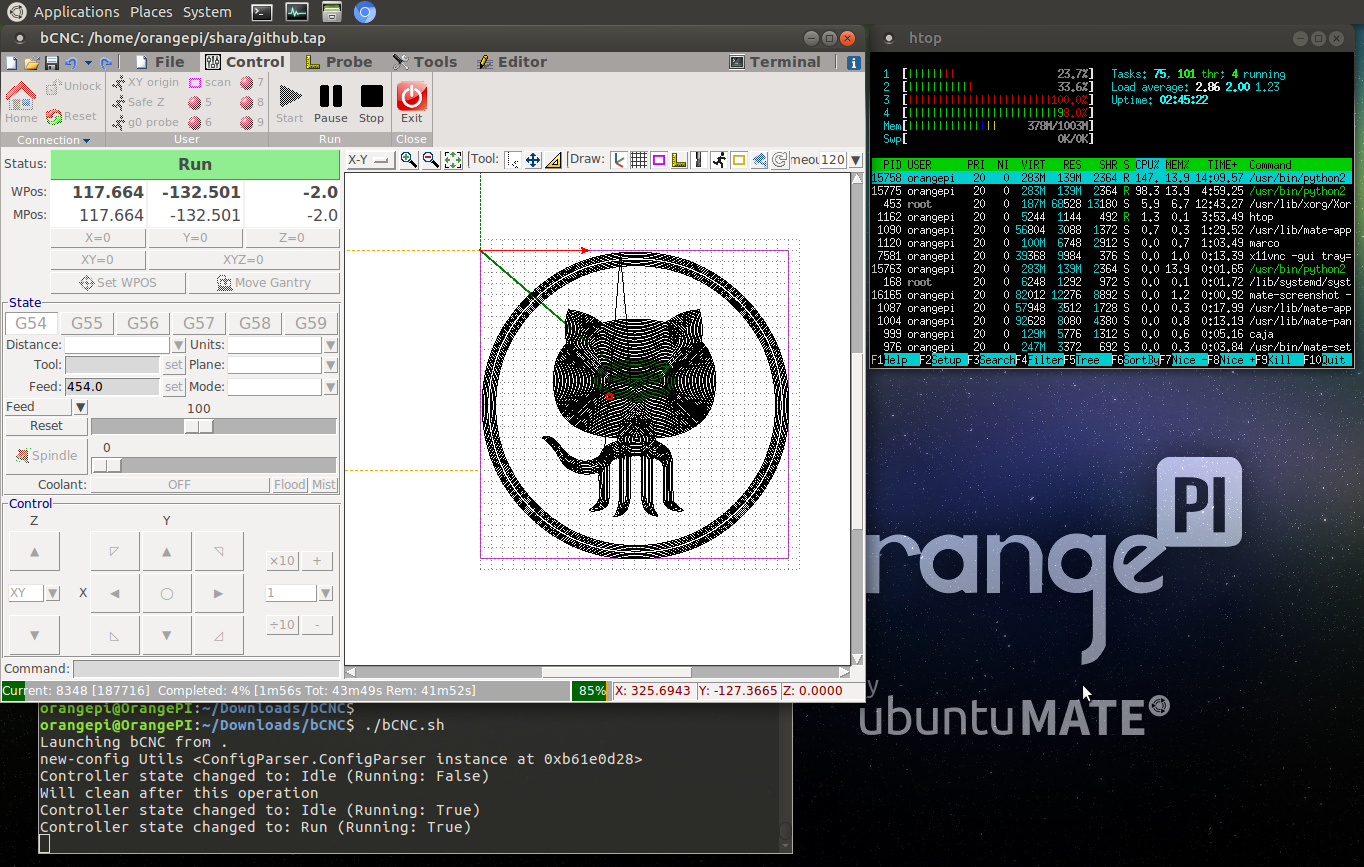
|
在我弄清楚之前,我会把它打开。这可能需要一些时间…… |
.png "我无法安装最新版本(PyPI 中没有用于 OpenCV 的 ARM 包) #1063")
|
所以我在树莓派上,我收到同样的错误,opencv-python>=2.4 |
我已经引用了 pypa 问题。这不是 bCNC 的真正问题。它必须在 pypi/pip 中解决。 为了您的方便,我已经从要求中删除了 opencv,因此 pip install 将在他们修复此问题之前正常工作。 |
|
由于这被上游阻止,但应用了解决方法,我已将其从 0.9.15 里程碑中删除。 |
.jpg "我无法安装最新版本(PyPI 中没有用于 OpenCV 的 ARM 包) #1063")
|
帮助我的请求 pip install upgrade |
|
@Mahmouderr404 请告诉我们更多信息。什么操作系统/发行版?什么 python 版本?…请阅读 wiki 和 README 文件。 |
|
@1f7 @PannDemic你能检查一下现在一切都可以在 ARM 上运行吗? 在#1180中,我添加了条件,这应该可以防止 ARM 需要 opencv,但我没有 raspi,所以无法真正检查… |
.png "我无法安装最新版本(PyPI 中没有用于 OpenCV 的 ARM 包) #1063")
|
您好 我安装失败并得到下面的按摩 我的安装流程如下 – 版本 |
|
@alien18331setup.py 定义如下: 这意味着 opencv-python 根本不应该安装在基于 arm 的系统上,因为它目前不可用。但是您的机器仍然会尝试这样做。 您能否以某种方式 您可以使用以下代码获取它: import platform
print(platform.machine())
|
|
你能再试试 pip2 install 吗?@ptvoinfo向 setup.py 添加了“aarch64”例外。 |
.png "我无法安装最新版本(PyPI 中没有用于 OpenCV 的 ARM 包) #1063")
|
我有同样的问题。这是我的平台:armv7l |
但是 setup.py 当前包含条件 否则 setup.py 会出现一些问题,我们需要弄清楚… |
|
我不知道 python 或 pip,但是当我尝试从安装脚本中分离出该字符串时,它不会被评估为条件。也就是说,该字符串的字面意思是 ‘opencv-python>=2.4 ; (“arm”不在 platform_machine 中)和(“aarch64”不在 platform_machine 中)’ 我在几个不同的上下文中尝试了这个,并得到了相同的文字(使用 python 2.7.13) |
|
你能试试 |
|
“要求已经是最新的:pip in /usr/local/lib/python2.7/dist-packages” (再次运行 pip 以确保——同样的错误)。出于好奇,你能告诉我该设置功能的文档吗?我找的时候没看到。 版本信息: 编辑:解决方法是下载、修改 setup.py 并从本地副本安装。 |
我认为这没问题。该字符串应该由 pip 评估,而不是由 setup.py 评估。 |
|
我会深入研究它,但显然条件依赖特性是一个“雷区”: |
.png "我无法安装最新版本(PyPI 中没有用于 OpenCV 的 ARM 包) #1063")
|
@wabmester您是否在 setuptools github 上创建了一个问题? 我遇到了同样的问题(尽管在“arm”的排除列表中,opencv 仍尝试安装):
我认为这可能与我的 setuptools 版本(是 v32)有关,但升级后,安装程序仍然无法运行。我已经看到 Python 2.7 现已弃用:https ://www.python.org/doc/sunset-python-2/ |
|
鉴于 Py2 已被弃用,我决定使用 py3 |
.jpg "我无法安装最新版本(PyPI 中没有用于 OpenCV 的 ARM 包) #1063")
|
所以,python-opencv 不是可选的依赖项,如 README 中所述? 尝试安装并获得 |
|
@Perlovka似乎问题是 python-opencv 被指定为可选依赖项,但 python 2.7 的 setuptools 没有正确解析依赖项列表。AFAIK你的选择是:
|
|
@quinkennedy, python 3 也需要 python-opencv,所以从 setup.py 中删除 python-opencv 是唯一的选择。 甚至更多——我的系统中没有 python-opencv 包(如果你需要的话,gentoo 只用 python 模块构建 opencv),所以即使安装了 opencv 也会失败。 |
.png "我无法安装最新版本(PyPI 中没有用于 OpenCV 的 ARM 包) #1063")
|
我觉得这个也可以关闭 |




我尝试根据最后的说明安装到 Ubuntu 16.04,但没有成功
以前的版本安装没有问题。
opencv-python需要手工编译吗?
PS
git clone 工作正常,两者@vlachoudis 和@Harvie