评论
.png "无法编译解决方法 #316")
作者
|
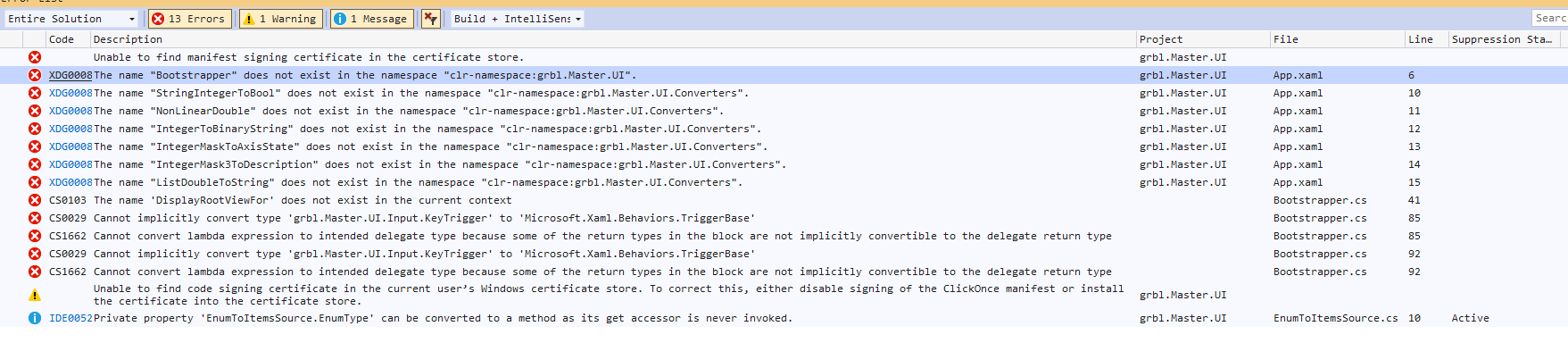
我注意到我仍然安装了 vMicro。我卸载了扩展,清理了解决方案,重建了解决方案。一个错误和警告仍然存在。 |

作者
|
我清理并重建了两次解决方案。每次发生附加的屏幕截图。 |

作者
|
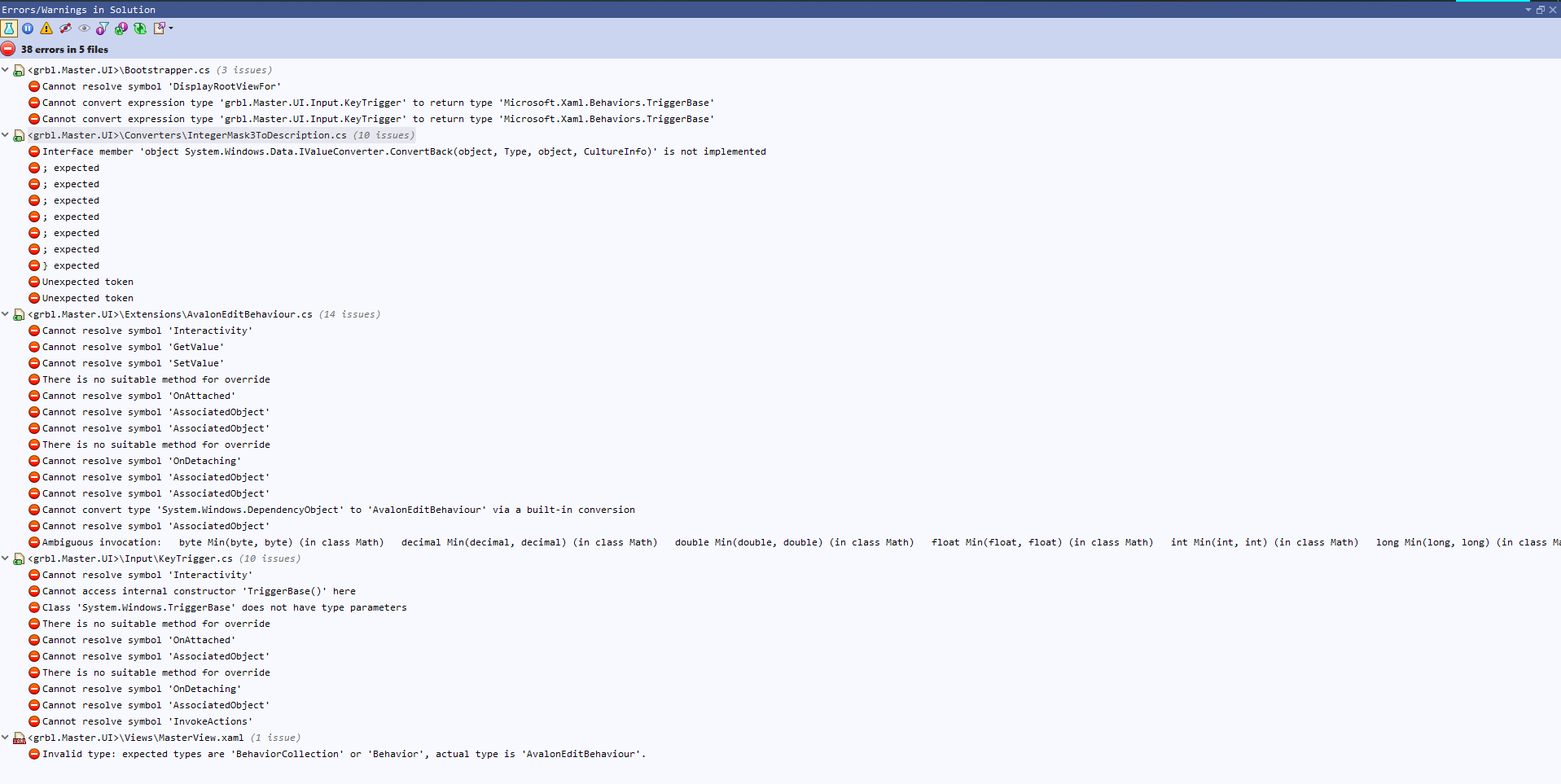
ReSharper 报告 5 个文件中的 38 个错误。 |
.png "无法编译解决方法 #316")
所有者
|
你在哪里下载源码? |
所有者
|
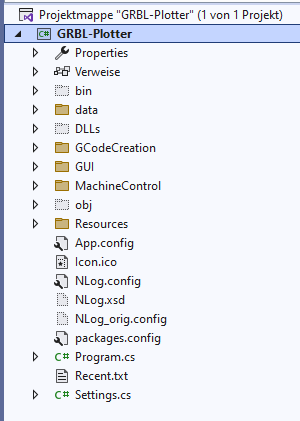
很可能您尝试编译这项工作:https |
作者
|
附加的源显示了 Source1 中显示的页面上的链接。 |

所有者
|
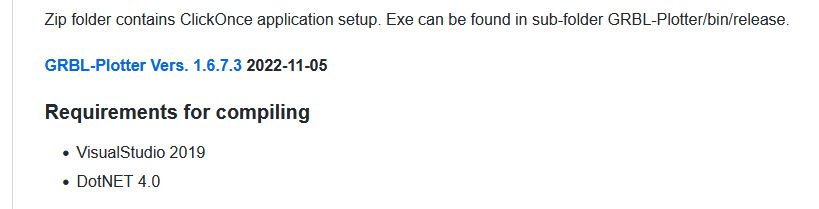
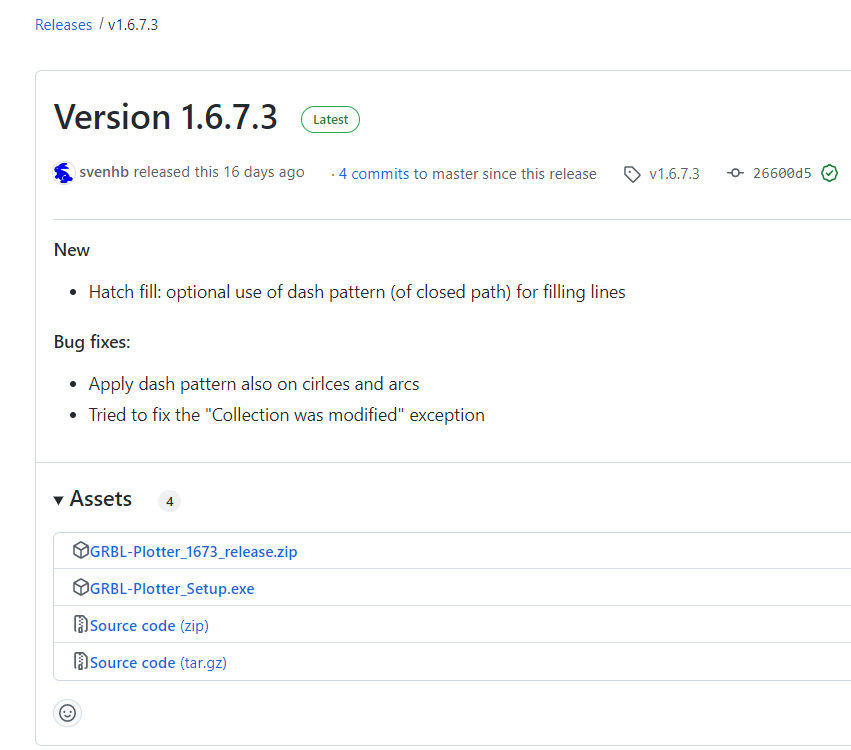
奇怪,如果我点击此页面上的链接https://github.com/svenhb/GRBL-Plotter,它会打开相应的发布页面:https ://github.com/svenhb/GRBL-Plotter/releases/tag /v1.6.7.3 |
作者
|
我很抱歉!我已将 zip 文件从“代码”下拉列表下载到我的 Github-zip 文件夹,解压缩并将该文件夹移动到我的 Github 文件夹。子文件夹是“grbl-Master-master”。今天,当我按照这个程序进行操作时,子文件夹是“GRBL-Plotter-1.6.7.3”。我有 grbl-Master-master.zip 下载。我不知道解压缩后是如何交叉加载的。这个问题可以去掉吗? |
所有者
|
我认为不可能消除问题 – 只是关闭。 |




错误、警告、消息的屏幕截图。