

Comments
.jpg "MKS tft28 tft35 no communication #218")
|
@corelc , be sure that when using tft28/tft35 to control, cannot use the pc software, Repetier Host eg, to connect the mainboard at the same time. |
.jpg "MKS tft28 tft35 no communication #218")
|
Thanks MS1987 for answering, after many tests without connecting usb to the pc, it occurred to me to connect to know if it had connection with the arduino card and it worked! but only indicating the bed and extruder temperatures |
.jpg "MKS tft28 tft35 no communication #218")
|
Hello, generally use ramps1.4, you need to cooperate with tft28 (there is a power interface), because the touch screen is not powered on the motherboard. Regarding the problem of communication failure, it is generally caused by inconsistent baud rate. The suggestion is to confirm the baud rate of Marin firmware. You can also confirm the touch screen and refresh the configuration file (or re-update with the firmware). . When you connect to the host computer, if the screen can display the temperature, the baud rate should be consistent? This is too strange! Do you show the wiring of your motherboard, and what do you mean by photo or video? |
|
Hello! I just bought an MKS Rumba, I hope this works for me with the tft 35. Anyway, I would like the tft 2.8 to work with the 1.4 ramps for my current printer. Did the videos come to you? Could you see what may be happening? Thank you
|
.png "MKS tft28 tft35 no communication #218")
|
Hello; I have the same problem. I have not communication with my ramps 1.4, I tested the mks tft 28 in other printer but the problem persists. If I connect the usb port without program openned it indicates the temperature on the screens but does not control anything. Thank you. |
.png "MKS tft28 tft35 no communication #218")
|
bonjour j’ai le même problème de communication entre ramps et tft28 , quelqu un a t il resolu ce probleme |
|
Bonjour ! Au moins, je ne pouvais pas résoudre le problème, j’écrivis à MKS et ils répondirent en posant quelques questions de base, après quoi je n’avais ni réponse ni solution. Ensuite, j’ai acheté un tft 32 et il fait exactement le même problème. La conclusion est de dépenser de l’argent de goût, le produit est mauvais! |
|
merci pour votre reponse |
|
@Peponez |
|
bonjour, oui je peux lire la temperature sur tft28 avec usb connectée et non je ne peux pas faire tourner les moteurs. |
|
Salut! J’imagine que vous avez connecté les 12-24V qui vont aux moteurs, si c’est le cas, alors vous rencontrez le même problème que moi. Je ne vois que les températures connectées par USB, mais si je ne me connecte pas par USB, cela ne fonctionne pas. J’ai résolu le problème en achetant la MKS Rumba, tout fonctionne bien, mais j’aimerais utiliser le tft28 qu’il me reste pour une autre imprimante à 1,4 rampe. Rien ne devrait se passer si vous connectez différentes sources d’alimentation, elles ne partageront que la masse |
|
salut, oui j ai branché les 3 sur l alim comme tu l’as decris et aucune communication, j’ai commandé la mks v1.4 |
|
If you have a USB to serial port module (CH340), you can connect the TX\RX pin of the AXU-1 port to check the TFT35 will send/receive data or not. |
|
je n ai pas de module ch340 |
.jpg "MKS tft28 tft35 no communication #218")
|
Yo tampoco tengo comunicación con la impresora, he cambiado la Ramps, arduino y la pantalla MKS (las que tengo son las tft 28 V4.0) he modificado los baudios en el marlin así como en la pantalla. También he probado a conectarme con repetier y las temperaturas se muestran en la pantalla. la impresora, funciona perfectamente tanto desde el ordenador como desde la pantalla Reprap. Tengo la configuración con mega 2560 y Ramps 1.4 y fuente de 12v. |
.jpg "MKS tft28 tft35 no communication #218")
|
I have TFT28 v4.0 and SKR v1.1 and also do not communicate via AUX1. Speed is correct. Is this the solution? |
.jpg "MKS tft28 tft35 no communication #218")
|
Friends, anyone who has a solution to running the TFT28 in RAMPS, many are not getting. |
|
Same problem on my side. My baud rate is set as my MKS Gen L 1.0. I refresh my firmware several time (tft 28), but still not communicates. The bed and nozzle temperatures display on the screen, but the touch screen seems inactive. I touch everywhere on the screen and it seems to be freezed. |
.png "MKS tft28 tft35 no communication #218")
|
I have a TFT32 v4.0 working with an MKS GEN L, which is in fact a MEGA 2560. The baudrate must be 250000 and not 115200. Now I’m trying to get it to work on an SKR1.1 |
.jpg "MKS tft28 tft35 no communication #218")
|
Тоже много боролся с этой проблемой на ramps 1.4. Первое, отдельное питание + 5в, т.к. кушает очень много, стабилизатор на arduino греется сильно. Во вторых в прошивку выставить serial_port_2 и rx-tx на контактах d16 и d17. И все работает. |
Hola Amigo. Soy de Buenos Aires Argentina. Tengo el mismo problema. Podrías ayudarme con algunas imágenes y también con la configuración del firmware? Agradecería mucho tu ayuda. Estoy trabado con este problema y no me deja avanzar. |
.jpg "MKS tft28 tft35 no communication #218")
Good afternoon,
|
|
@Kodbee ,can you send some pictures or videos to show how you connected and how is the phenomenon? |
|
Thank you. I sent you the video. |
.jpg "MKS tft28 tft35 no communication #218")
|
Having The Same Problem. I Have A BTT SKR v1.3 MB, And No Communications With The MKS TFT35 v1.0. Anyone know exactly what Marlin Configuration is suppose to be set in the LCD/Control section of the .h file? I did set the MKS TFT35 Firmware to 115200 which is the same baud rate of my SKRv1.3 board. Current : #define REPRAP_DISCOUNT_FULL_GRAPHIC_SMART_CONTROLLER |
I sent you the photos and videos some days ago. Have you seen it? I need some help, please |
|
@Kodbee , sorry for so delay response. I check your files, and just now don’t find the reason. But I want to ask : you connect the RAMPS both with the PC and TFT28 at the same time? If so, maybe you should disconnect the PC as they are sharing the same uart. |
|
Thanks. It does not work even if it is disconnected from the PC… |
.png "MKS tft28 tft35 no communication #218")
|
Another with the same failure, I have a mks Sgen L and TFT 3.5 with marlin 2.5.3, but it does not detect the TFT updated to 1.0.6, the printer works perfectly since I print with the PC connected, but the screen does not work, it supplies current but nothing else, you can walk through the menus, but does not recognize the temperature sensors or movements. |
|
RESOLVED, change port from -1 to 0 and it works.(#define SERIAL_PORT 0) |
|
Thanks, but I had my port defined in that way (#define SERIAL_PORT 0), and don´t works in any way… |
.png "MKS tft28 tft35 no communication #218")
|
Hello, same problem here. I can move the motors in repetier but nothing happens with the MKS TFT 28. I tried everything : Change SERIAL_PORT and SERIAL_PORT_2 from -1 to 0 or from 0 to -1 , change baud rate, add external power supply for each board (MKS TFT + Ramps 1.4 + Mega), update MKS TFT and change values, connect or disconnet USB from PC… Strange fact, with baud rate of 250000 both on MKS TFT and Marlin, I can read the extruder temperature, but not with a baud rate of 115200. See pics attached for more wiring details (even if it’s messy because of all these tests). Thanks for you help ! Ps : I use a good old Geeetech i3 Pro B Aluminium from which I changed the original motherboard for a Mega 2560 + Ramps 1.4
|
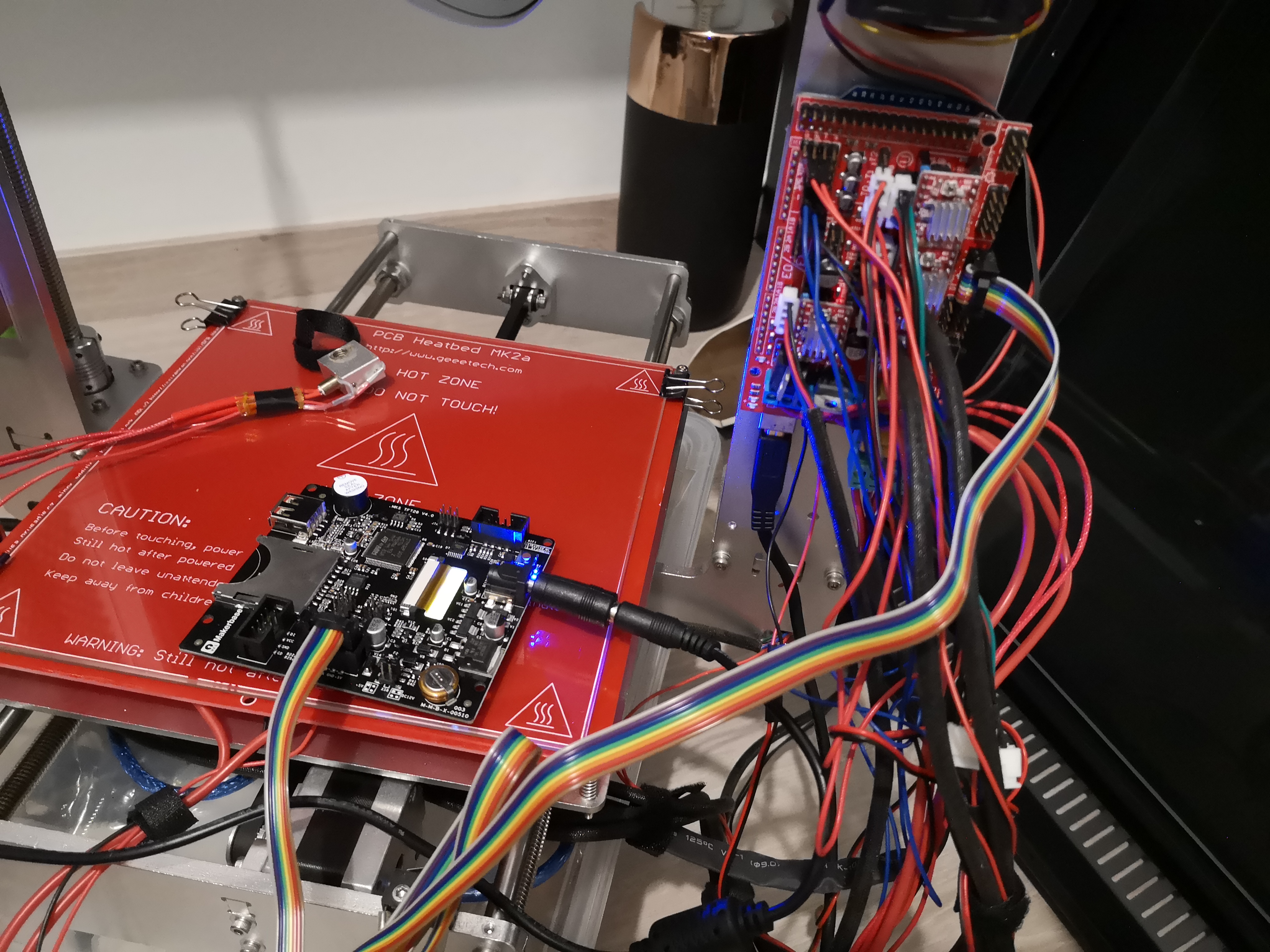
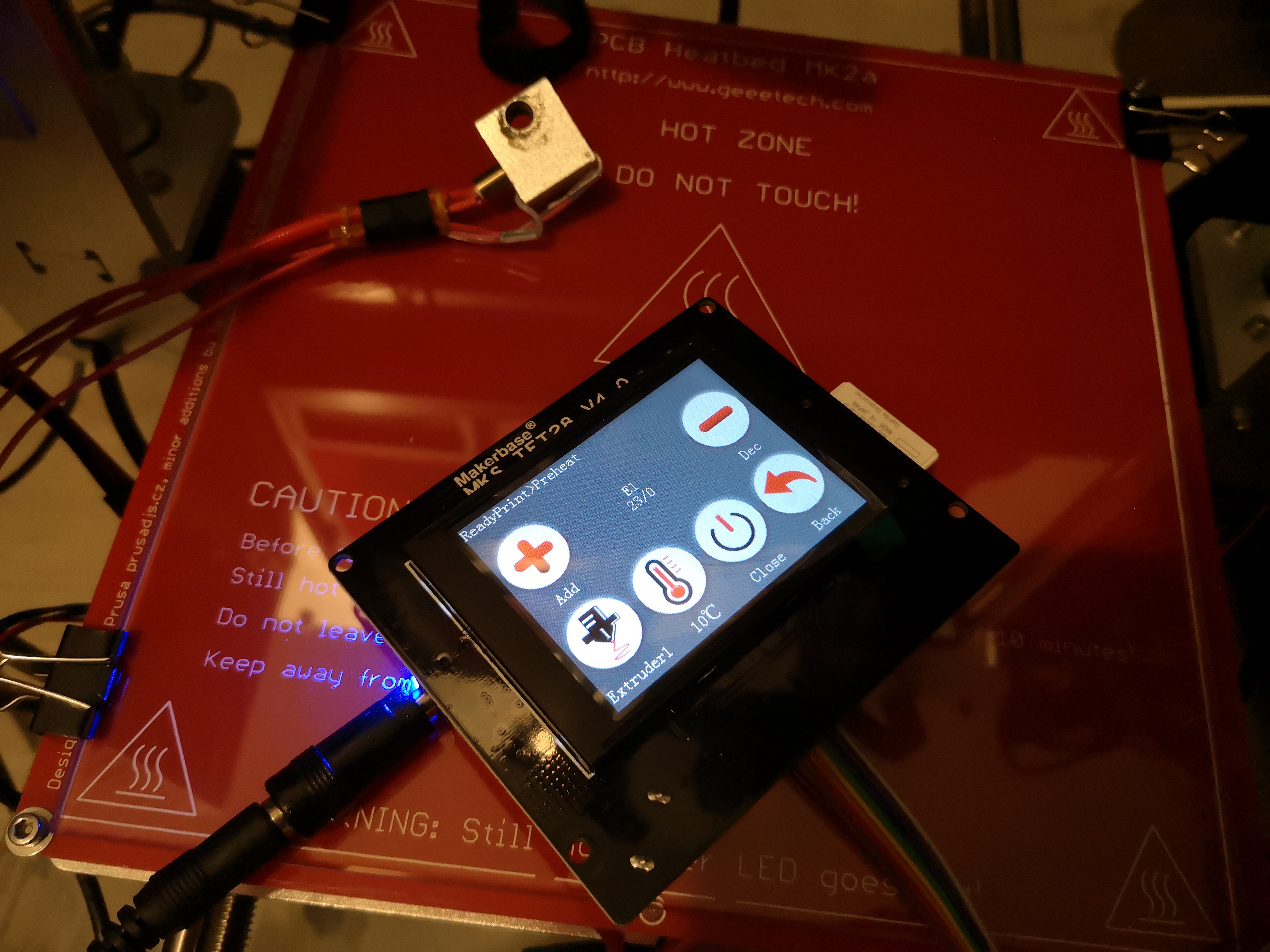
|
The MKS TFT28 v4.0 display still does not function properly with the ramps. I have noticed that although I don’t move the motors when I try to do it through the MKS display, I can still read the extruder temperature. On the other hand, I have noticed that in the HOME section, the icon Motor-Off does not respond, it cannot be changed to Motor-On, I think perhaps the failure may be related to this. Can someone help me? |
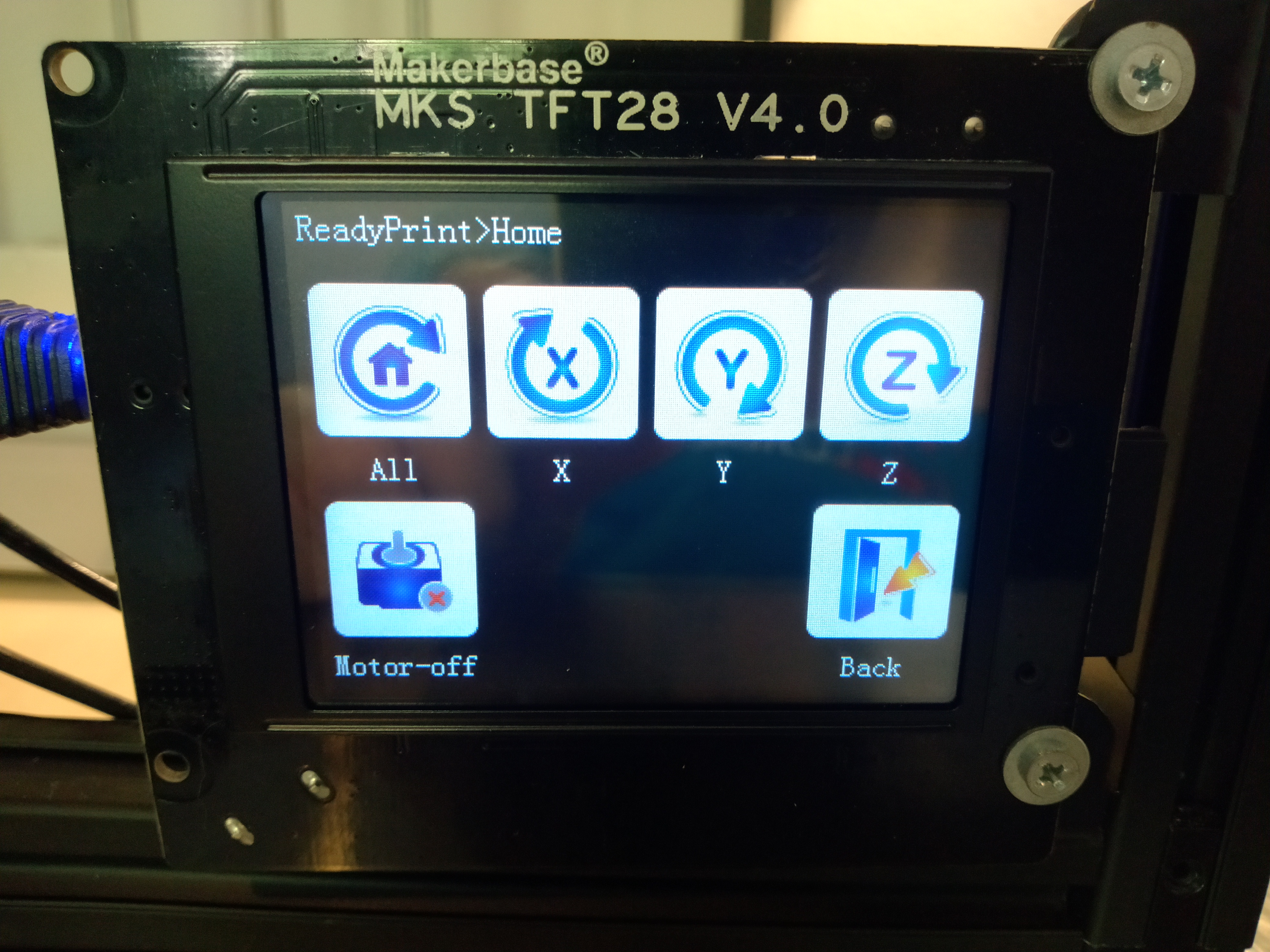
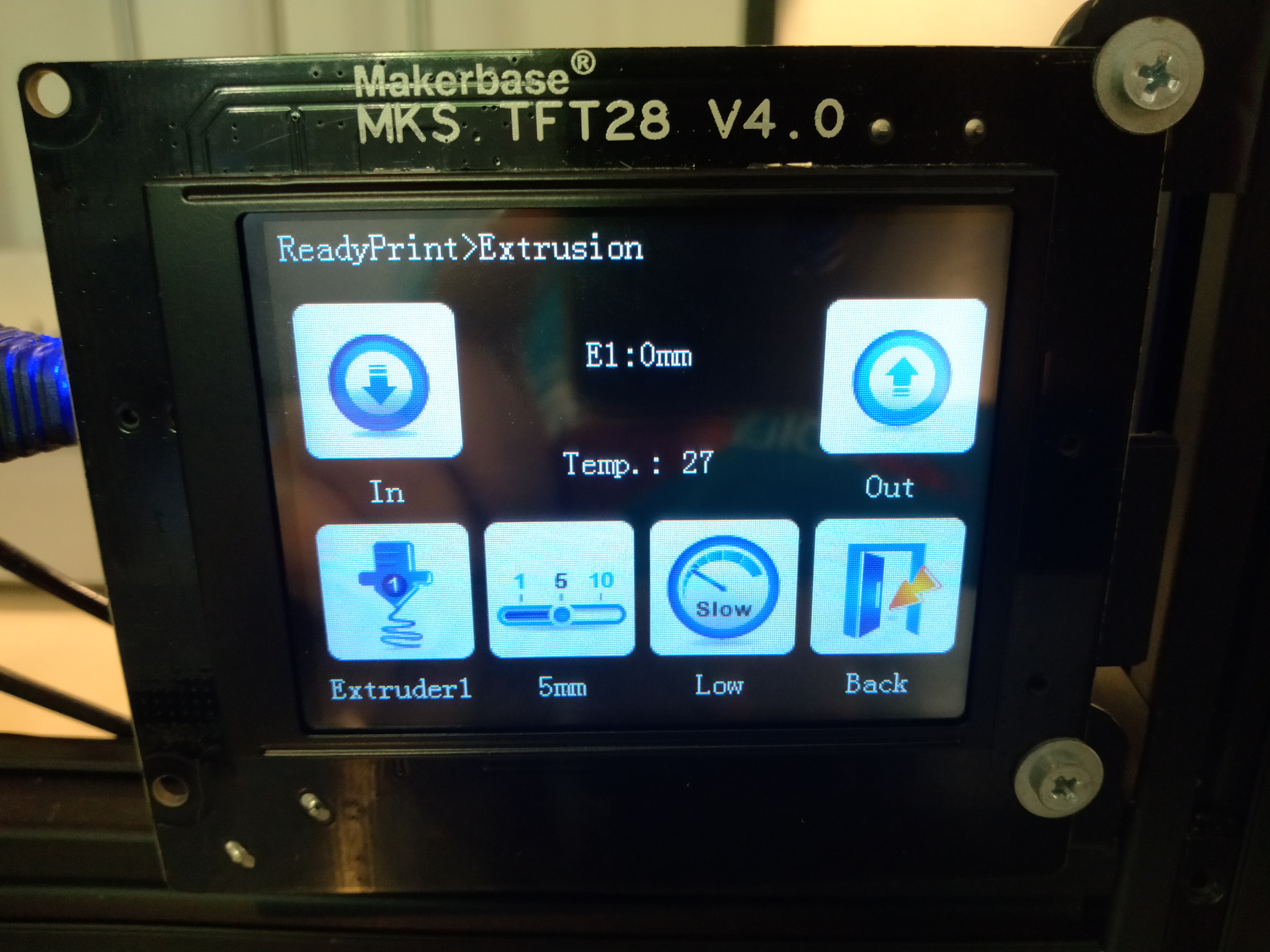
.png "MKS tft28 tft35 no communication #218")
|
Good afternoon, buy an MKS TFT35_FW to connect to my 1.4 Ramps, but I can’t do that, can someone help me? MKS TFT35 connects to Ramps 1.4? |
|
Welcome to the club… |
|
Hello, my MKS TFT35 does not connect with my Ramps, even changing the Baud rate does not connect, moreover, the screen gradually disappears, I have already checked the connection with ramps several times without success …. |
.jpg "MKS tft28 tft35 no communication #218")
|
alguien a podido solucionar el fallo de comunicación he hecho de todo y nada |
.png "MKS tft28 tft35 no communication #218")
|
Would this problem have anything to do with the type of serial port module that the mega is using (CH340 vs ATMega16u2). |
.jpg "MKS tft28 tft35 no communication #218")
Hi there, were you able to figure out how to connect to the skr board as I am struggling to get the mks tft32 v4. 0 working with a btt skr cr6 board |
.jpg "MKS tft28 tft35 no communication #218")
.png "MKS tft28 tft35 no communication #218")




Hello! I have acquired a tft28v4.0, as soon as I installed it and had no communication with my ramps 1.4, I changed ramps and arduino but the problem persists. I then bought a tft35 v1 to build my printer but the same thing happens! what I noticed is that if I connect the usb port and open the repeater host it indicates the temperature on the screens but does not control anything and the numbers flash every 2 seconds approximately
All the settings are fine, including wifi